Enhanced Privacy: Secure Your Location on Dating Apps
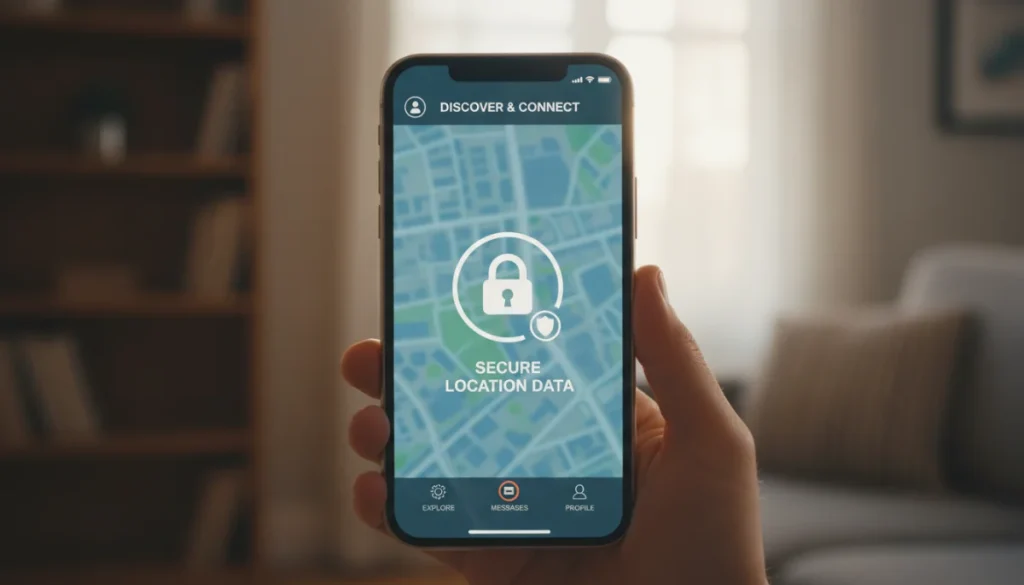
Implementing enhanced privacy settings on dating platforms is crucial for safeguarding your location data and ensuring a safer, more controlled online dating experience.
Navigating the world of online dating offers exciting possibilities, but it also comes with inherent privacy concerns, especially regarding your location data. Understanding and utilizing dating app privacy settings is paramount to protecting yourself in the digital sphere. This guide will walk you through essential steps to secure your personal information while still enjoying the benefits of connecting with others.
Understanding Location Data on Dating Platforms
Location data plays a pivotal role in how many dating applications function, enabling them to connect you with potential matches in your vicinity. While convenient, this feature also presents significant privacy risks if not managed carefully. Knowing how apps collect and utilize your location is the first step toward securing it.
Many platforms use GPS, Wi-Fi, and cellular data to pinpoint your whereabouts. This information is then used to filter potential matches by distance, show you who is nearby, and sometimes even indicate when you were last active in a certain area. While seemingly innocuous, a lack of control over this data can expose your daily routines and frequented locations to strangers.
How Apps Acquire Your Location
Dating apps typically request access to your device’s location services upon installation or first use. Granting this permission can often be set to ‘always,’ ‘only while using the app,’ or ‘never.’ The default setting is frequently the most permissive, which can be a privacy concern.
- GPS: Provides the most accurate location data, often used for real-time proximity matching.
- Wi-Fi and Cellular Data: Used for less precise, but still effective, location triangulation, especially indoors.
- IP Address: Can give a general idea of your geographic region, even without explicit location permissions.
Understanding these mechanisms empowers you to make informed decisions about the level of access you provide. It’s not just about turning off a single switch; it’s about understanding the ecosystem of data collection at play.
Furthermore, some apps might store historical location data, creating a log of your movements. This raises questions about data retention policies and who has access to this sensitive information. Being aware of these practices allows users to scrutinize an app’s privacy policy more effectively.
Auditing Your Current Privacy Settings
Before making any changes, it’s essential to conduct a thorough audit of your existing privacy settings within each dating application you use. Many users accept default settings without fully understanding their implications. Taking the time to review these can reveal surprising levels of data exposure.
Start by opening each dating app and navigating to its privacy or settings section. Look specifically for options related to location services, visibility, and data sharing. These menus can sometimes be deeply nested, requiring a bit of exploration.
Step-by-Step Review Process
Each app will have a slightly different interface, but the core principles remain the same. Focus on permissions granted to the app on your device and within the app itself.
- Device-Level Permissions: Check your phone’s operating system (iOS or Android) settings for each dating app. Here, you can usually set location access to ‘never,’ ‘ask next time,’ ‘while using the app,’ or ‘always.’ Opting for ‘while using the app’ is generally a good balance for functionality and privacy.
- In-App Settings: Within the dating app, look for specific privacy controls. These might include options to hide your distance, disable location services within the app, or prevent your profile from appearing in certain areas.
- Profile Visibility: Some apps allow you to control who sees your profile, which can indirectly impact location privacy. For example, limiting visibility to only people you’ve matched with can reduce exposure.
It is important to remember that privacy settings are not static. App updates can sometimes reset permissions or introduce new features that impact your data. Regular audits are a crucial part of maintaining robust privacy.
Pay close attention to any pop-up notifications or requests for new permissions after an app update. These are often designed to be quickly accepted, but they could be granting broader access to your personal data, including location. A proactive approach to managing these settings is key.
Disabling or Limiting Location Tracking
The most direct way to secure your location data is to disable or severely limit location tracking. This can be done at both the device level and within the dating application itself, offering multiple layers of protection. Deciding on the appropriate level of restriction depends on your comfort with privacy versus the desire for location-based matching features.
For many, setting location access to ‘while using the app’ offers a good compromise. This allows the app to function as intended when you are actively using it, but prevents background tracking when the app is closed. For maximum privacy, disabling location access entirely is the safest option.
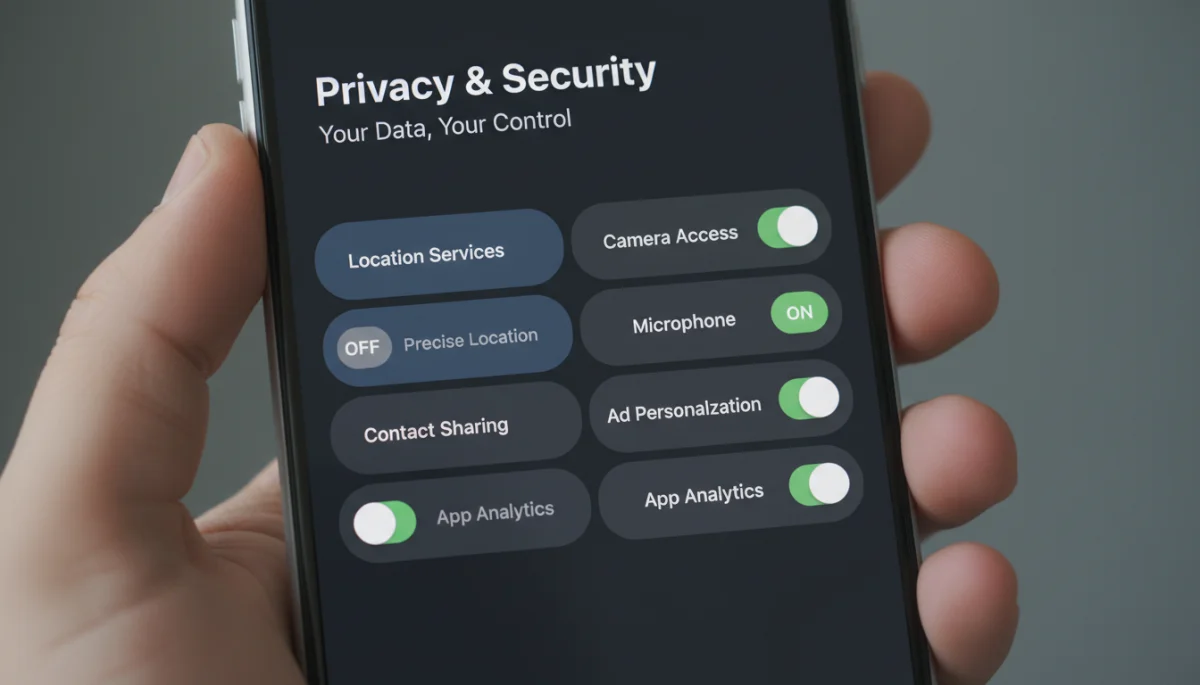
Device-Level Controls
Your smartphone’s operating system provides powerful tools to manage app permissions. These controls are often overlooked but are fundamental to controlling your digital footprint.
On iOS:
- Go to Settings > Privacy & Security > Location Services.
- Scroll down to find the specific dating app.
- Choose ‘Never,’ ‘Ask Next Time Or When I Share,’ or ‘While Using the App.’
On Android:
- Go to Settings > Location > App permissions.
- Find the dating app and tap on it.
- Select ‘Deny,’ ‘Ask every time,’ or ‘Allow only while using the app.’
These settings override any in-app configurations, acting as a crucial safeguard. Even if an app tries to track your location, your device’s settings can prevent it.
Beyond simple on/off switches, some devices offer more granular control, such as precise location toggles. Disabling precise location for dating apps can prevent them from pinpointing your exact address, instead providing a more general area, which can be sufficient for many matching algorithms.
Leveraging In-App Privacy Features
Beyond device-level settings, most dating applications offer a range of in-app privacy features designed to give you more control over your data. These features vary widely between platforms, so it’s important to explore each app’s specific offerings.
Many apps allow you to hide your distance, making it harder for others to estimate your exact location. Some even offer a ‘pause’ or ‘invisible’ mode, allowing you to browse profiles without appearing in others’ feeds, offering a temporary reprieve from visibility.
Common In-App Privacy Tools
Look for these features within the app’s settings menu:
- Hide My Distance: This feature prevents your exact distance from being displayed on your profile. While your location might still be used for matching, others won’t see how far away you are.
- Ghost Mode/Invisible Mode: Allows you to use the app without your profile being visible to new users. You can often still interact with existing matches.
- Location Freezing: Some apps let you set a fixed location, rather than using your real-time data. This is useful if you want to appear in a specific city without actually being there.
- Privacy Zones: A few advanced apps allow you to define ‘safe zones’ where your profile won’t be shown, such as your home or workplace.
Actively using these features can significantly enhance your privacy without necessarily hindering your dating experience. It’s about finding the right balance that suits your personal comfort level.
Remember that even with these features enabled, some metadata might still be collected by the app for internal purposes. Always review the app’s privacy policy for a comprehensive understanding of their data handling practices, which should ideally be easily accessible and clearly written.
Understanding Data Retention and Deletion Policies
Securing your location data isn’t just about preventing real-time tracking; it also involves understanding how long dating platforms retain your information and how you can request its deletion. Many users overlook this crucial aspect, assuming that deleting an app removes all their data.
In reality, most platforms store your data for varying periods, even after you’ve deleted your profile or uninstalled the app. This data can include your location history, messages, photos, and other personal details. Knowing your rights regarding data retention and deletion is vital for long-term privacy.

Exercising Your Data Rights
Most privacy regulations, such as GDPR and CCPA, grant individuals the right to access, rectify, and erase their personal data. Dating apps operating in regions covered by these regulations must comply with such requests.
- Requesting Data Access: You can typically request a copy of all the data an app has collected about you. This can be an eye-opening exercise.
- Requesting Data Deletion: If you decide to stop using a dating app, actively request the deletion of your account and all associated data. Simply uninstalling the app is often not enough.
- Reviewing Privacy Policies: Always read the app’s privacy policy to understand their data retention periods and deletion procedures. Look for clear instructions on how to submit a deletion request.
Be aware that some apps might retain certain data for legal or security reasons, even after a deletion request. However, they should specify what data is kept and for what purpose. Transparency is key.
The process for requesting data deletion can sometimes be complex, requiring direct communication with customer support. Persistence is important to ensure your data is truly removed. This proactive approach ensures that your digital footprint doesn’t linger indefinitely after you’ve moved on from a platform.
Best Practices for Ongoing Location Privacy
Maintaining strong location privacy on dating platforms is an ongoing effort, not a one-time setup. As apps evolve and your usage patterns change, it’s important to adopt a routine of best practices to ensure your data remains secure. A proactive and informed approach will serve you best in the long run.
Regularly review your settings, stay informed about app updates, and be cautious about the information you share. Your digital safety depends on consistent vigilance and an understanding of the tools available to you.
Habits for Enhanced Privacy
Incorporate these practices into your online dating routine:
- Regularly Review Settings: Make it a habit to check your device and in-app privacy settings every few months, especially after app updates.
- Be Mindful of What You Share: Avoid posting photos that reveal your home address, workplace, or other sensitive locations. Cropping or blurring backgrounds can help.
- Use a VPN: A Virtual Private Network (VPN) can mask your IP address, adding an extra layer of anonymity, although it won’t prevent GPS tracking if enabled.
- Limit App Permissions: Only grant permissions that are absolutely necessary for the app’s core functionality. If a dating app asks for access to your microphone, question why.
- Educate Yourself: Stay informed about common privacy risks and new features in dating apps. Knowledge is your best defense.
By adopting these habits, you create a more secure environment for your online dating journey. It’s about being smart and strategic with your personal information.
Consider creating a separate email address specifically for dating apps to further compartmentalize your digital life. This can help prevent your primary personal information from being linked to multiple dating profiles, adding another layer of separation and privacy.
| Key Point | Brief Description |
|---|---|
| Audit Settings Regularly | Periodically check both device and in-app privacy settings for all dating applications. |
| Limit Location Access | Set device location permissions to ‘while using the app’ or ‘never’ for dating platforms. |
| Utilize In-App Controls | Use features like ‘hide my distance’ or ‘ghost mode’ within dating apps for added privacy. |
| Understand Data Deletion | Know how to request full data deletion from platforms, not just uninstalling the app. |
Frequently Asked Questions About Dating App Privacy
While denying explicit GPS permission at the device level largely prevents direct tracking, apps might still infer your general location using Wi-Fi networks or IP addresses. Some apps might also use location data from photos you upload if not stripped of EXIF data. Always review app privacy policies for full transparency.
For most users, setting location access to ‘while using the app’ offers a reasonable balance between functionality and privacy. It prevents background tracking when the app is closed. However, for maximum security, ‘never’ is the safest option, though it may limit location-based matching features.
To remove location data from an old account, you typically need to log back into the app and initiate an account deletion process through its settings. If you can’t log in, contact the app’s customer support directly, referencing their privacy policy regarding data deletion requests. Simply uninstalling the app is insufficient.
‘Precise location’ allows apps to pinpoint your exact geographical position. Disabling it means apps will only receive an approximate location, which is often sufficient for matching but significantly enhances your privacy. It’s generally recommended to disable precise location for dating apps unless absolutely necessary for a specific feature.
A VPN can mask your IP address, which helps hide your general geographic region from apps that rely on it. However, a VPN does not prevent dating apps from accessing your device’s GPS or Wi-Fi-based location if you have granted those permissions. For comprehensive protection, combine a VPN with device-level location permission controls.
Conclusion
Securing your location data on dating platforms is not merely a technical exercise; it’s a fundamental aspect of maintaining your personal safety and peace of mind in the digital world. By understanding how location data is used, regularly auditing your settings, and leveraging the privacy tools available, you can significantly reduce your exposure to potential risks. Embrace these enhanced privacy settings as a cornerstone of a responsible and enjoyable online dating experience, ensuring your personal information remains exactly that – personal.
